
Key facts
- Brand
- Kodak
- Model
- CD40
- Category
- Digital cameras
- Industry
- Electronics
- Documents
- 2
- Languages
- ZH · EN
- Last added
- 2000-01-01
Start here
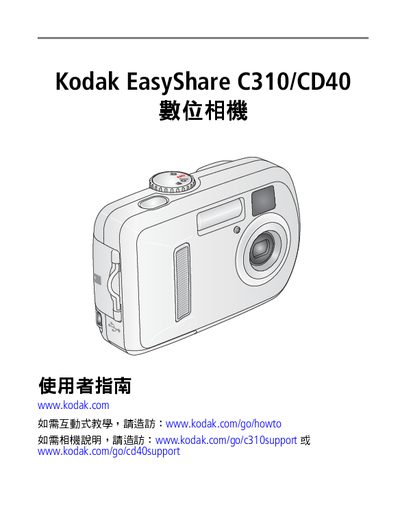
Kodak EasyShare C310/CD40 Digital Camera User Manual
This manual covers the basic operation of the Kodak EasyShare C310/CD40 digital camera, including menu functions, battery handling, and memory card usage. It also explains how to connect the camera to a computer via USB and how to access and manage photos stored on SD/MMC cards.
Additional sections provide troubleshooting tips, repair information, and links to online support resources. The guide is organized to help both new users and experienced photographers get the most out of their camera.
Kodak CD40 specifications
| CCD Sensor Size | 1/2.5 inch |
|---|---|
| Output Image Size | 2304 x 1728 pixels |
| LCD Screen Size | 1.6 inch |
| LCD Screen Resolution | 220 x 279 pixels |
| Lens Focal Length | 35mm equivalent |
| Focus Range | 0.85m to infinity |
| Digital Zoom | 1.0 – 5x |
Source: Kodak EasyShare C310/CD40 Digital Camera User Manual
All Kodak CD40 documents by type
Day-to-day operation, settings and troubleshooting. Start here if the product is already set up.
Questions answered in these manuals
What type of batteries are required for this camera?
The camera requires 2 AA lithium, NiMH, or alkaline batteries.
Can I record sound while filming video?
No, the camera does not record sound during video recording.
How do I connect the camera to a computer?
Connect the camera to a computer using the USB port.
What type of memory card does the camera use?
The camera uses an SD/MMC memory card.