
Key facts
- Brand
- Kodak
- Model
- LS420
- Category
- Digital cameras
- Industry
- Electronics
- Documents
- 3
- Languages
- ZH · EN
- Last added
- 2000-01-01
Start here
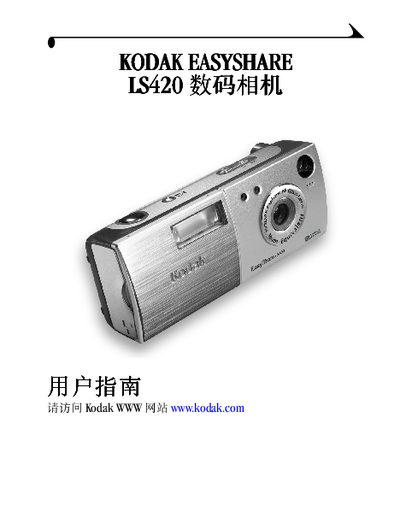
Kodak LS420 Digital Camera User Manual
This manual introduces the Kodak LS420 digital camera, covering its physical layout, button functions, and basic operation steps. It guides users through powering the camera on and off, inserting memory cards, and adjusting shooting modes.
Later sections detail software installation, using the EasyShare base station, and troubleshooting common issues such as battery charging and communication errors. Appendices list full camera and base specifications. This manual is written in Chinese.
Kodak LS420 specifications
| Resolution | 55,000 pixels |
|---|---|
| LCD size | 1.6 inches (40.6 mm) |
| Dimensions (W×H×D) | 4.3 in × 1.1 in × 1.8 in (109 mm × 28.5 mm × 45.5 mm) |
| Weight (with battery & card) | 5.64 oz (160 g) |
| ISO range | Auto, 100, 140, 200 |
| Battery charging time | 5 seconds (quick‑charge) |
All Kodak LS420 documents by type
Day-to-day operation, settings and troubleshooting. Start here if the product is already set up.
Questions answered in these manuals
How do I insert an MMC/SD card?
Open the memory card slot and insert the MMC/SD card as shown in the camera.
How can I adjust the LCD brightness?
Use the LCD brightness setting in the camera menu to increase or decrease the display brightness.
How do I turn the camera on or off?
Press the On/Off button, identified as #768 in the manual.
From: Kodak LS420 Manual
Which button takes a picture?
Press the Shutter button, shown as #5 in the button list.
From: Kodak LS420 Manual