
HP LaserJet MFP M139-M142 Series user manual for setup, printing, scanning, copying, troubleshooting, and specifications.
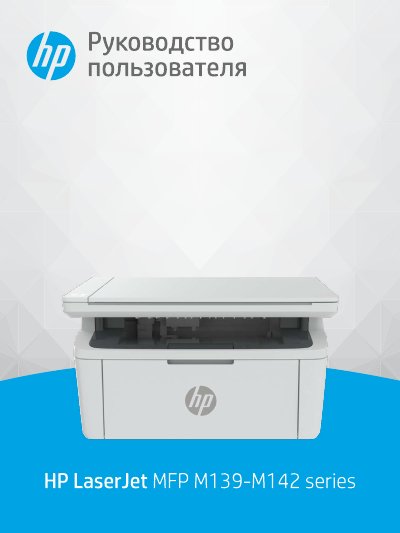
This HP user manual covers the LaserJet MFP M139-M142 Series laser printer. It describes getting started, printer components and control panel functions, and connecting the printer to a computer or Wi-Fi network.
The manual also explains printing from Windows, Mac, and mobile devices, copying and scanning, printer settings, toner cartridge replacement, troubleshooting, technical specifications, warranty, and regulatory information. This manual is written in Russian.
Use HP Smart or connect in Wi-Fi Protected Setup (WPS) mode.