
The HP LaserJet MFP M139-M142 series user guide provides information on how to set up, use, maintain, and troubleshoot the printer.
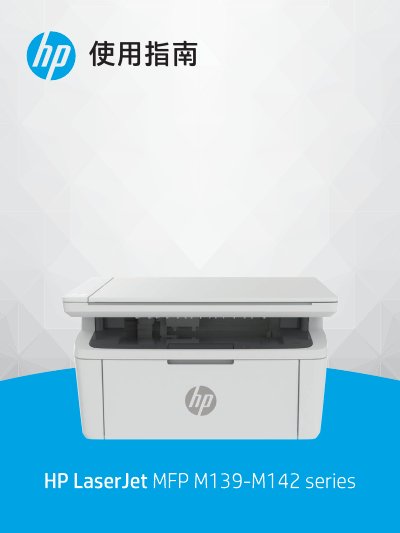
This Chinese-language user guide covers the HP LaserJet MFP M139-M142 series multifunction printer. It describes printer views, control panel functions, connecting to Wi-Fi or USB, loading media, printing from Windows, Mac, and mobile devices, copying and scanning, and printer settings.
It also includes troubleshooting for paper jams and print quality, consumables and replacement, specifications, warranty and support information, environmental product management, and regulatory information. This manual is written in Chinese.
The guide describes connecting the printer to a Wi-Fi network using HP Smart or Wi-Fi Protected Setup (WPS).
Appendix A contains the printer specifications.
The supplies section covers removing and replacing the toner cartridge.