
This guide provides configuration, use, warranty, safety, and environmental information for the HP LaserJet MFP M139-M142 series printer.
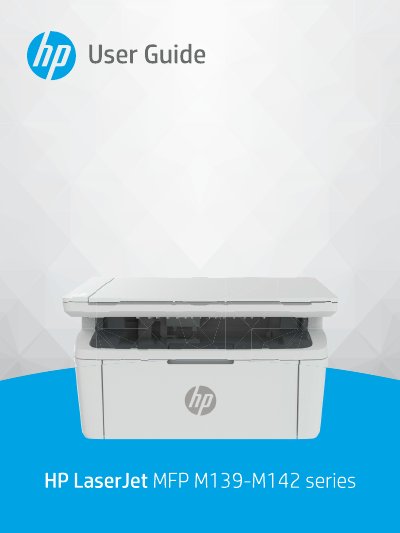
This document serves as a comprehensive user guide for the HP LaserJet MFP M139-M142 series. It covers essential topics including getting started with the device, connecting to networks via Wi-Fi or USB, and loading various media types such as paper, envelopes, and labels.
The manual also details instructions for printing, copying, and scanning documents using both the control panel and HP Smart software. Additionally, it provides troubleshooting steps for common issues like paper jams and print quality problems, along with information on supplies management and firmware updates.
You must unplug the product from wall outlets before cleaning it.
Do not install or use the product near water or when you are wet, and ensure the line cord cannot be damaged.
No, there are no user-serviceable parts inside the printer.