
Key facts
Start here
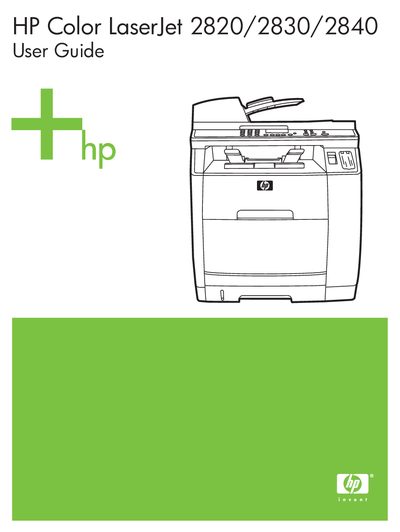
HP Color LaserJet 2820/2830/2840 User Guide
This guide covers the installation, configuration, and daily use of the HP Color LaserJet 2820/2830/2840 all‑in‑one printer. It includes information on loading paper, installing cartridges, connecting to a network, and using the scanning functions.
Additional sections address FCC compliance, telephone line connections, warranty and service contacts, and self‑repair procedures. The manual also lists web‑based support resources and provides troubleshooting tips for common issues.
HP Color LaserJet 2820 specifications
| Part number | Q3948-90901 |
|---|---|
| Edition date | 12/2004 |
| USOC jack | RJ11C |
All HP Color LaserJet 2820 documents by type
Day-to-day operation, settings and troubleshooting. Start here if the product is already set up.
Questions answered in these manuals
What FCC compliance class does the HP Color LaserJet 2820/2830/2840 meet?
It complies with the limits for a Class B digital device under Part 15 of the FCC rules.
Which telephone jack is used by the printer?
The printer uses the RJ11C USOC jack for telephone connections.
What telephone line connector does the device use?
The device uses an RJ11C USOC jack for telephone line connection.
From: HP Color LaserJet 2820/2830/2840 All-in-One User Guide
What paper weight is recommended for best print quality?
Use regular copy paper weighing 75 to 90 g/m² (20 to 24 lb).
From: HP Color LaserJet 2820/2830/2840 All-in-One User Guide