
Key facts
Start here
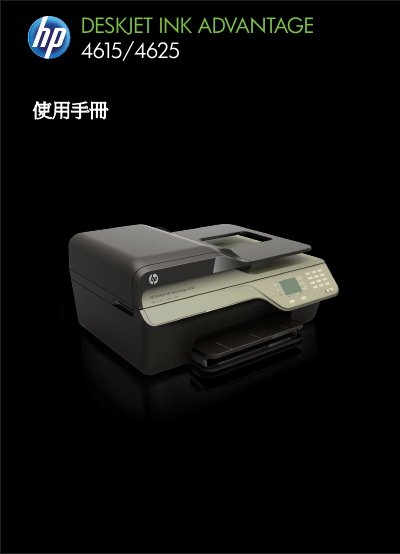
HP Deskjet Ink Advantage 4615/4625 User Manual
This manual covers everything needed to get the HP Deskjet Ink Advantage 4615/4625 All‑in‑One printer up and running, including safety guidelines, accessibility features, and detailed steps for preparing the device. It explains how to load paper, install ink cartridges, and configure basic printer settings.
Further sections guide users through printing, scanning, copying, faxing, and using HP ePrint, as well as maintenance tasks such as cleaning the scanner glass and troubleshooting common issues like paper jams, slow printing, or wireless connectivity problems. This manual is written in Chinese.
All HP 4615/4625 documents by type
Day-to-day operation, settings and troubleshooting. Start here if the product is already set up.
Questions answered in these manuals
How can I clean the scanner glass?
Use a soft, lint‑free cloth to wipe the scanner glass as described in the "清潔掃描器玻璃板" section.
What should I do if the printer stops responding and no pages print?
Open the print queue, cancel all jobs, restart the computer, and then try printing again. Also verify that the printer’s power cable is securely connected and that the HP software is correctly installed.
From: HP Deskjet Ink Advantage 4615/4625 All-in-One User Guide