
Key facts
Start here
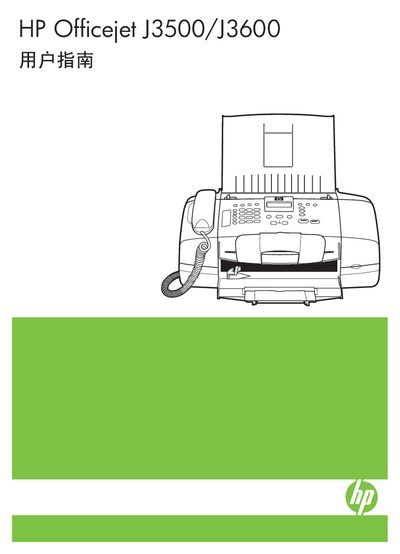
HP Officejet J3500/J3600 All-in-One User Manual
This manual covers everything you need to get started with the HP Officejet J3500/J3600 All‑in‑One series, including safety information, loading media, and using the control panel. Detailed sections explain printing, copying, scanning, and faxing functions, as well as how to configure the device for Windows and Mac operating systems.
Later chapters provide guidance on managing device settings, performing routine maintenance, troubleshooting common issues, and understanding the hardware specifications, media support, and environmental requirements. The document also includes contact information for HP support and instructions for ordering consumables.
HP J3500/J3600 specifications
| Supported media size (A4) | 210 × 297 mm |
|---|---|
| Supported media type (J3500) | Paper only |
| Supported media types (J3600) | Paper, photo paper, envelopes, index cards, labels, etc. |
| Noise emission standard | ISO 7779 |
| Copyright year | 2007 |
All HP J3500/J3600 documents by type
Day-to-day operation, settings and troubleshooting. Start here if the product is already set up.
Questions answered in these manuals
How do I replace the print cartridge?
Refer to the "更換列印墨匣" section, which explains how to remove and install a new print cartridge.
How can I print on both sides of a page?
Use the "雙面列印" (double‑sided printing) option described in the printing settings.
How do I load paper into the HP Officejet J3500/J3600?
Open the paper tray, adjust the width guides to the edges of the paper, and place the paper with the printable side facing up before closing the tray.
Can I use the printer with a Mac computer?
Yes, the manual includes separate instructions for installing software and printing on Mac OS.