
Instruction manual for HP Deskjet 6500 series printer, including special functions, getting started guide, connecting the printer, printing photos, printing other documents, printing tips, printer software, maintenance, troubleshooting, optional accessories, specifications, consumables and other information
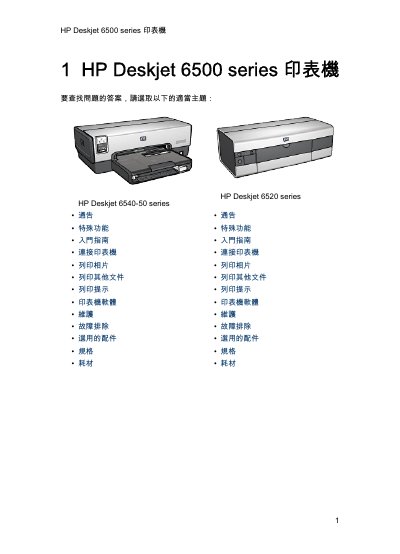
This user guide covers the HP Deskjet 6500 series printer, which includes specific models such as the HP Deskjet 6540-50 series and HP Deskjet 6520 series. It details special features like borderless printing, digital photo printing, and a print quality selector button that allows users to choose between Fast Draft, Normal, and Best modes directly from the printer. This manual is written in Chinese.
Features include a print quality selector, hold mode to continue printing with one ink cartridge, borderless printing, and automatic power off after 30 minutes.
You can cancel the current print job by pressing the 'Cancel Print' button on the printer control panel.
The automatic power-off feature will place the printer in a low-power, energy-saving mode.