
Key facts
- Brand
- Canon
- Model
- DC210
- Industry
- Electronics
- Documents
- 3
- Languages
- EN · ZH · JA
- Last added
- 2012-05-02
Start here
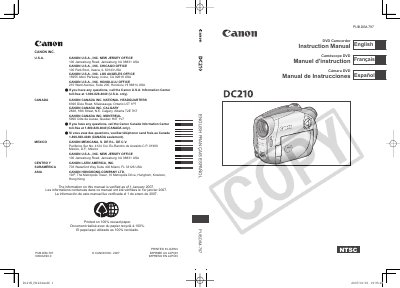
Canon DC210 A DVD Camcorder User Manual
This manual covers all essential information for using the Canon DC210 A DVD Camcorder, including safety warnings, power‑adapter requirements, and recommended accessories. It explains how to select and prepare the three supported 8 cm mini DVD disc types (DVD‑R, DVD‑R DL, DVD‑RW) and details the recording, playback, and editing functions available on the device.
The document also contains a complete system diagram, a full list of specifications such as sensor size, lens details, and recording capacities, as well as troubleshooting tips, warranty information, and service instructions for qualified technicians.
Canon DC210 specifications
| Maximum Recording Time (single‑sided 8 cm mini DVD, XP mode) | approx. 20 min |
|---|---|
| Image Sensor | 1/6‑inch CCD, approx. 680,000 pixels |
| LCD Screen | 2.7 in., wide, TFT color, approx. 123,000 pixels |
| Lens | f=2.6‑91 mm, F/2.0‑5.0, 35× power zoom |
All Canon DC210 documents by type
Day-to-day operation, settings and troubleshooting. Start here if the product is already set up.
Questions answered in these manuals
What types of DVD discs can be used with the DC210 A?
The camcorder works with 8 cm mini DVD‑R, DVD‑R DL, and DVD‑RW discs.
What DVD media types can be used with the Canon DC201/210/211?
The machine supports DVD‑R, DVD‑R DL, and DVD‑RW discs.
From: Canon DC201/DC210/DC211 DVD Videography Machine User Manual
How do I initialize a DVD‑RW disc for reuse?
Select the initialization function, which clears all recorded data on the DVD‑RW disc, allowing it to be recorded again.
From: Canon DC201/DC210/DC211 DVD Videography Machine User Manual