
Key facts
Start here
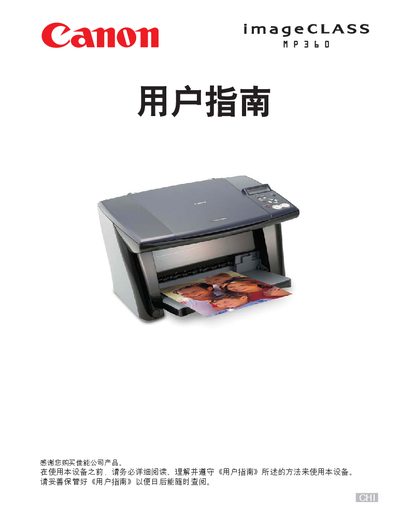
Canon MP360Copier user manual
This manual guides users through the initial setup of the MP360 copier, including installing the Setup CD-ROM, loading paper, and configuring basic settings. It also explains how to use the copier’s functions such as copying, scaling, duplexing, and creating collages.
Additional sections cover scanning procedures, software tools, photo application guidance, key symbols, keypad functions, and detailed maintenance tasks like ink‑cartridge replacement, nozzle cleaning, and troubleshooting common issues. This manual is written in Chinese.
Canon MP360 specifications
| Supported Operating Systems | Windows 98, Me, 2000 (SP4), XP (SP1) |
|---|---|
| USB Interface | USB 1.1 and 2.0 |
| Minimum RAM | 128 MB |
| Hard Disk Space Required | 65 MB minimum (recommended 150 MB) |
| CPU Requirement | Pentium/Celeron 300 MHz or faster |
All Canon MP360 documents by type
Disassembly, diagnostics and part numbers, for repair.
Day-to-day operation, settings and troubleshooting. Start here if the product is already set up.
Questions answered in these manuals
Which Windows versions are required for installing the software?
The software supports Windows 98, Windows Me, Windows 2000 with Service Pack 4, and Windows XP with Service Pack 1.
What is the maximum USB cable length allowed?
Do not use a USB cable longer than 5 meters (16 3/8 inches).
How can I view the electronic user manual?
Insert the Setup CD‑ROM, click "View User Manual" on the screen, and select the desired PDF or HTML manual.
How do I copy two pages onto one sheet of paper?
Refer to the section on page 44 titled “在一张纸上复印两张纸的内容”.