
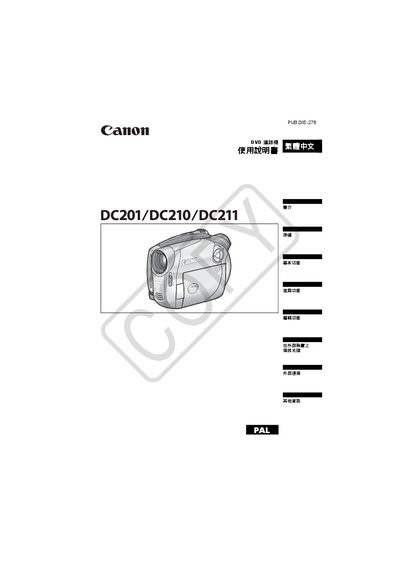
This manual begins with important safety warnings, including keeping the device away from rain, using only the CA-570 power supply, and disconnecting the power cord when not in use. It also explains the classification of the product as a Class 1 laser device.
The guide then covers DVD media selection, supported formats (DVD‑R, DVD‑R DL, DVD‑RW), operation modes (VIDEO and VR), basic and advanced functions, recording programs, external connections, accessories, and a detailed troubleshooting section. This manual is written in Japanese.
| Supported DVD formats | DVD‑R, DVD‑R DL, DVD‑RW |
|---|---|
| Recording modes | VIDEO mode, VR mode |
| Power supply | CA‑570 small power supply (required) |
The machine supports DVD‑R, DVD‑R DL, and DVD‑RW discs.
Select the initialization function, which clears all recorded data on the DVD‑RW disc, allowing it to be recorded again.