
This document is an instruction manual for a DVD camcorder, providing information on how to use the camcorder and important usage instructions.
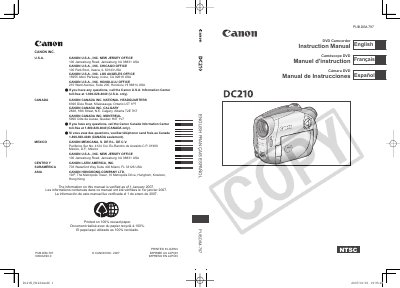
This manual covers all essential information for using the Canon DC210 A DVD Camcorder, including safety warnings, power‑adapter requirements, and recommended accessories. It explains how to select and prepare the three supported 8 cm mini DVD disc types (DVD‑R, DVD‑R DL, DVD‑RW) and details the recording, playback, and editing functions available on the device.
The document also contains a complete system diagram, a full list of specifications such as sensor size, lens details, and recording capacities, as well as troubleshooting tips, warranty information, and service instructions for qualified technicians.
| Maximum Recording Time (single‑sided 8 cm mini DVD, XP mode) | approx. 20 min |
|---|---|
| Image Sensor | 1/6‑inch CCD, approx. 680,000 pixels |
| LCD Screen | 2.7 in., wide, TFT color, approx. 123,000 pixels |
| Lens | f=2.6‑91 mm, F/2.0‑5.0, 35× power zoom |
The camcorder works with 8 cm mini DVD‑R, DVD‑R DL, and DVD‑RW discs.