
Key facts
- Brand
- Canon
- Model
- EF24MM
- Category
- Other Electronics
- Industry
- Electronics
- Documents
- 2
- Languages
- ZH
- Last added
- 2012-03-20
Start here
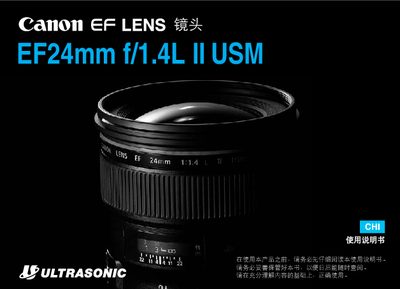
Canon EF24mm f/1.4L II USM Lens User Manual
The manual explains safe handling and storage of the EF24mm f/1.4L II USM lens, including warnings about temperature, humidity, and direct sunlight. It also details how to install the lens, attach accessories such as the lens hood and filter, and maintain the lens to avoid damage.
Operating instructions cover the three focusing modes (AF, MF, ONE SHOT AF), how to select them, and how to use the focus distance scale. The document finishes with technical data such as focal length, aperture, filter size, dimensions, and weight. This manual is written in Chinese.
Canon EF24MM specifications
| Focal length | 24 mm |
|---|---|
| Maximum aperture | f/1.4 |
| Minimum focusing distance | 0.25 m |
| Maximum magnification | 0.17× |
| Filter thread diameter | 77 mm |
| Dimensions (width × height) | 139 mm × 208 mm |
| Weight | 650 g |
All Canon EF24MM documents by type
Day-to-day operation, settings and troubleshooting. Start here if the product is already set up.
Questions answered in these manuals
How do I install the lens hood on the EF24mm f/2.8?
Align the hood's installation mark with the red dot on the front of the lens and rotate until the marks line up.
What should I use to clean dirty electronic contacts on the lens?
Wipe the contacts gently with a soft cloth.