
Key facts
- Brand
- Canon
- Model
- EOS 1000D
- Category
- Other Electronics
- Documents
- 2
- Languages
- EN · ZH
- Last added
- 2012-05-03
Start here
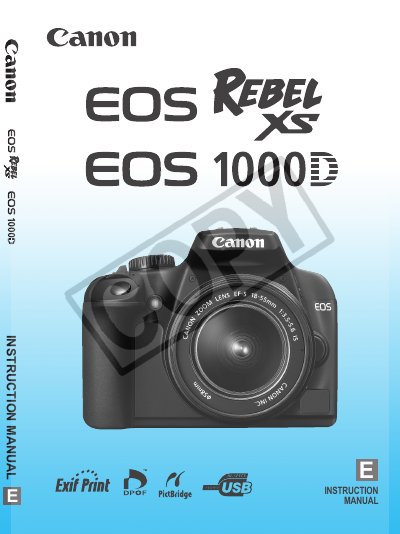
Canon EOS 1000D User Manual
This manual introduces the Canon EOS 1000D digital single‑lens reflex camera, describing its 10.10‑megapixel sensor, 7‑point autofocus system, and compatible accessories such as SD/SDHC cards and the LP‑E5 battery pack. It guides first‑time users through basic functions, safety warnings, and handling precautions.
The contents cover Getting Started, Basic Shooting and Image Playback, Advanced Shooting Techniques, More Advanced Techniques, Live View Shooting, Handy Features, Image Playback, Printing and Transfer, Customizing the Camera, and a Reference section with an index and safety information.
Canon EOS 1000D specifications
| Image sensor | 10.10 megapixel |
|---|---|
| Autofocus points | 7‑point AF system |
| Memory card compatibility | SD and SDHC cards |
| Battery | LP‑E5 battery pack |
| Included lens (example) | EF‑S18‑55mm f/3.5‑5.6 IS |
Source: Canon EOS 1000D User Manual
All Canon EOS 1000D documents by type
Day-to-day operation, settings and troubleshooting. Start here if the product is already set up.
Questions answered in these manuals
How many autofocus points does the EOS 1000D have?
The camera uses a 7‑point autofocus system.
What types of memory cards can be used with the EOS 1000D?
It works with SD and SDHC memory cards.
How do I charge the battery?
Use the included LP‑E5 battery charger to charge the LP‑E5 battery.
What memory cards can I use?
The camera supports SD and SDHC cards for image storage.