
Key facts
- Brand
- Canon
- Model
- IXUS 990IS
- Documents
- 2
- Languages
- JA · ZH
- Last added
- 2012-03-20
Start here
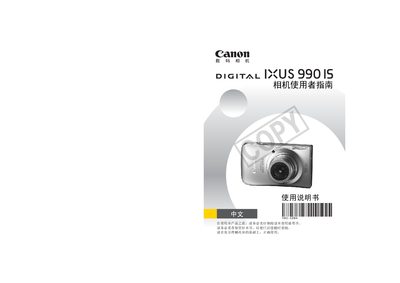
Canon IXUS 990IS Camera Reference Manual
This guide explains how to safely set up and use the Canon IXUS 990IS camera. It covers basic handling, storage media installation, and important safety notices before operating the device.
The manual also describes menu functions, image playback, printing options, and technical specifications such as LCD display quality and supported storage formats. Warranty and service information are included at the end of the document. This manual is written in Japanese.
Canon IXUS 990IS specifications
| LCD display pixel compliance | 99.99% of pixels meet specifications |
|---|---|
| Supported storage media | SDHC cards |
| Video interface | HDMI |
All Canon IXUS 990IS documents by type
Day-to-day operation, settings and troubleshooting. Start here if the product is already set up.
Questions answered in these manuals
What type of memory cards can be used with the camera?
The camera supports SDHC memory cards.
How can I print photos directly from the camera?
Connect the camera to a compatible printer and follow the printing guide included in the manual.
What type of battery does the IXUS 990 IS use?
It uses the NB‑5L rechargeable lithium‑ion battery.
What is the maximum still‑image resolution of the camera?
The camera can capture still images up to 4000 × 3000 pixels.