
Key facts
Start here
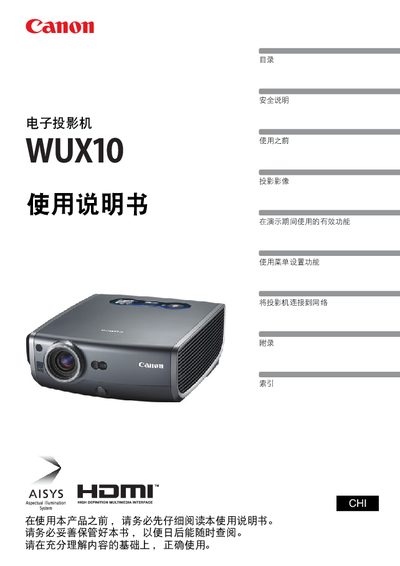
Canon WUX10 Projector User Manual
This manual covers all aspects of using the Canon WUX10 multimedia projector, from safety precautions and quick‑start instructions to detailed menu navigation and image adjustment. It explains how to connect the projector to various sources, configure network functions, and customize display settings.
Additional sections describe routine maintenance, lamp replacement, and a comprehensive troubleshooting guide to resolve common issues such as no signal, blurry images, or audio problems. This manual is written in Chinese.
Canon WUX10 specifications
| Maximum Projection Size | 100 inches |
|---|---|
| Input Interfaces | HDMI |
| Network Control | Supported |
All Canon WUX10 documents by type
Day-to-day operation, settings and troubleshooting. Start here if the product is already set up.
Questions answered in these manuals
How do I connect the projector to a computer?
Connect the computer to the projector using the HDMI input port.
How can I adjust keystone (trapezoidal) distortion?
Use the automatic keystone adjustment feature or manually adjust the trapezoidal distortion from the menu.
How do I connect the projector to a computer?
Use the HDMI input port to connect the projector to a computer for high‑quality digital image projection.
How can I reset the projector to its default settings?
Select the reset option in the menu to restore the projector to its factory default configuration.