
Key facts
- Brand
- Canon
- Model
- DC21
- Category
- Other
- Industry
- Electronics
- Documents
- 5
- Languages
- EN · ZH · JA
- Last added
- 2012-05-02
Start here
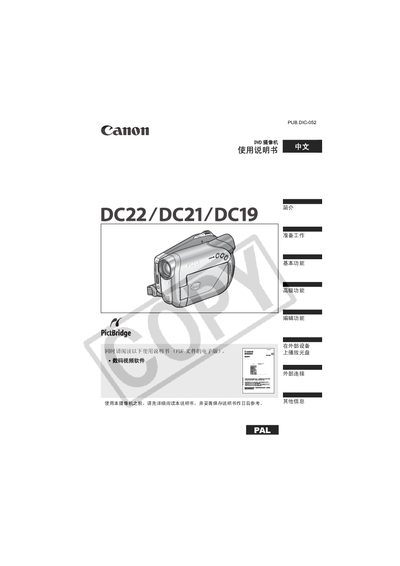
Canon DC22/DC21/DC19 User Manual
This manual describes the features, functions, and safe handling of the Canon DC22, DC21 and DC19 camcorders. It guides users through preparation, power setup, camera adjustments, and basic and advanced recording functions.
Key sections cover disc types and recording modes, menu navigation, static‑image operations, camera programs, editing functions, and maintenance. Safety warnings and recommended accessories are also included. This manual is written in Chinese.
Canon DC21 specifications
| Maximum Recording Time (single‑sided 8 cm mini DVD, XP mode) | approx. 20 min |
|---|---|
| Image Sensor | 1/6‑inch CCD, approx. 680,000 pixels |
| LCD Screen | 2.7 in., wide, TFT color, approx. 123,000 pixels |
| Lens | f=2.6‑91 mm, F/2.0‑5.0, 35× power zoom |
All Canon DC21 documents by type
Day-to-day operation, settings and troubleshooting. Start here if the product is already set up.
Questions answered in these manuals
What types of DVD discs can be used with the DC210 A?
The camcorder works with 8 cm mini DVD‑R, DVD‑R DL, and DVD‑RW discs.
What DVD media types can be used with the Canon DC201/210/211?
The machine supports DVD‑R, DVD‑R DL, and DVD‑RW discs.
From: Canon DC201/DC210/DC211 DVD Videography Machine User Manual
How do I initialize a DVD‑RW disc for reuse?
Select the initialization function, which clears all recorded data on the DVD‑RW disc, allowing it to be recorded again.
From: Canon DC201/DC210/DC211 DVD Videography Machine User Manual