
Key facts
- Brand
- Canon
- Model
- FS30
- Category
- Other Electronics
- Documents
- 3
- Languages
- EN · ZH
- Last added
- 2012-05-02
Start here
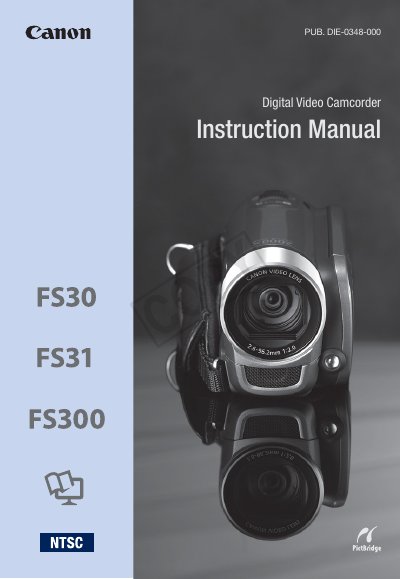
Canon FS30/FS31/FS300 Camcorder Instruction Manual
This manual covers important safety warnings, proper handling, and service instructions for the Canon FS30, FS31, and FS300 digital video camcorders. It explains how to avoid electric shock, protect the device from moisture, and ensure correct power‑adapter usage.
The guide also details how to prepare the camcorder, charge the battery pack, insert memory cards, and use key features such as Dual Shot, Dynamic Image Stabilization, Pre‑recording, and the built‑in memory or SD/SDHC cards. Warranty terms and service contacts for Canon USA and Canon Canada are included at the end.
Canon FS30 specifications
| Power Adapter Voltage Range | 100‑240 V AC |
|---|---|
| Built‑in Memory | GEE3 (built‑in flash memory) |
| Pre‑recording Function | Records 3 seconds before you start shooting |
| Image Stabilization | Dynamic IS |
All Canon FS30 documents by type
Day-to-day operation, settings and troubleshooting. Start here if the product is already set up.
Questions answered in these manuals
What type of power adapter does the camcorder require?
The camcorder uses the CA‑570 Compact Power Adapter, which operates from a 100‑240 V AC power source.
Does the camcorder have a pre‑recording feature?
Yes, the pre‑recording function captures up to 3 seconds of video before you press the record button.
How do I adjust the LCD screen position and brightness?
Rotate the LCD screen to 90° or 180° and use the LCD brightness control to set it to dark, normal, or bright.
From: Canon LEGRIA FS36 LEGRIA FS37 LEGRIA FS305 LEGRIA FS306 LEGRIA FS307digital video camera Manual
How can I avoid electric shock when using the camcorder?
Do not open the housing, use only recommended accessories, and unplug the main power plug when not in use.
From: Canon LEGRIA FS36 LEGRIA FS37 LEGRIA FS305 LEGRIA FS306 LEGRIA FS307digital video camera Manual