
Key facts
Start here
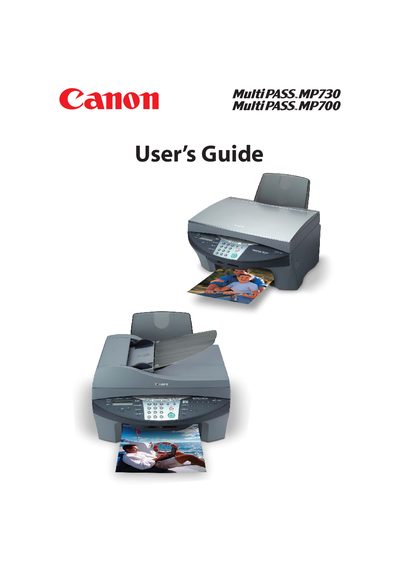
Canon MultiPASS MP730/MP700 User Guide
This guide introduces the Canon MultiPASS MP730/MP700, covering unpacking, main components, and basic operation such as loading documents, using the platen glass or ADF, and handling print media. It also explains fax, scanning, copying, and photo printing functions, as well as configuring speed dialing and telephone settings.
Advanced sections cover maintenance tasks like replacing ink tanks, cleaning and aligning the printhead, and troubleshooting common issues such as paper jams, software installation problems, and fax transmission errors. An appendix provides general specifications and ink, print, copy, and fax specifications.
Canon MP730 specifications
| Power Supply | 200‑240 V AC, 50/60 Hz |
|---|---|
| Operating Temperature | 15 °C – 27.5 °C |
| Relative Humidity | 20 % – 80 % |
All Canon MP730 documents by type
Day-to-day operation, settings and troubleshooting. Start here if the product is already set up.
Questions answered in these manuals
What is the recommended operating temperature for the printer?
The device should be used in an environment where the temperature is between 15 °C and 27.5 °C.
What power voltage does the printer require?
It requires a standard 200‑240 V AC power source at 50/60 Hz.
How do I replace the ink tank?
Refer to the Maintenance section; replace ink tanks as described on page 11‑2.
How do I load paper into the printer?
Load paper according to the Print media handling instructions; see “Loading paper…” in the guide.