
Key facts
- Brand
- Canon
- Model
- IXUS55
- Category
- Digital cameras
- Documents
- 2
- Languages
- JA
- Last added
- 2012-03-20
Start here
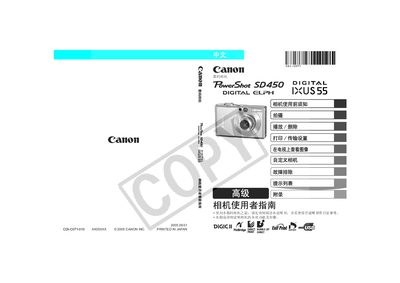
Canon IXUS55 Digital Camera Reference Manual
This manual explains how to safely set up and use the Canon IXUS55 digital camera. It covers safety precautions, required accessories, and the steps for basic operations such as turning the camera on, using the viewfinder, and navigating menus.
The guide also details advanced functions like changing ISO sensitivity, selecting focus and metering modes, recording video, printing via PictBridge‑compatible printers, and using SD memory cards. Troubleshooting tips and warranty information are included at the end of the document. This manual is written in Japanese.
Canon IXUS55 specifications
| Memory Card Type | SD |
|---|---|
| ISO Sensitivity Range | ISO 50 |
| PictBridge Compatibility | Supported |
All Canon IXUS55 documents by type
Day-to-day operation, settings and troubleshooting. Start here if the product is already set up.
Questions answered in these manuals
How do I change the ISO sensitivity on the IXUS55?
Select the ISO setting in the camera menu and choose the desired value, such as ISO 50.
Can I print photos directly from the camera?
Yes, the camera supports direct printing to PictBridge‑compatible printers.