
Key facts
- Brand
- Canon
- Model
- EOS 300D
- Category
- Digital cameras
- Documents
- 3
- Languages
- EN · ZH
- Last added
- 2012-06-04
Start here
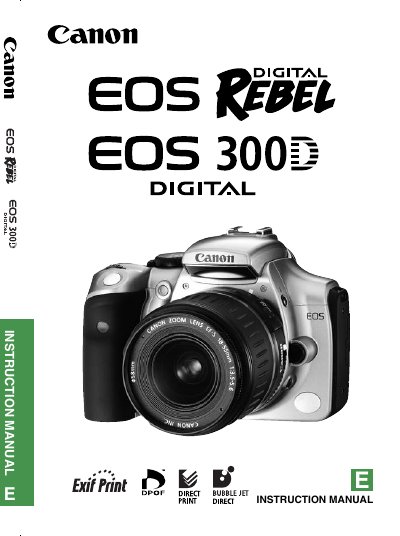
Canon EOS 300D Digital SLR Camera User Manual
This manual covers everything you need to operate the EOS 300D, from basic shooting modes and menu navigation to lens mounting, battery handling, and image playback. It includes a detailed equipment checklist, safety warnings, and step‑by‑step procedures for installing batteries, CF cards, and accessories.
The guide also contains technical specifications such as sensor type, effective pixel count, viewfinder details, and compatible lenses, as well as troubleshooting tips and FCC compliance information.
Canon EOS 300D specifications
| Camera type | Digital, single‑lens reflex, AF/AE with built‑in flash |
|---|---|
| Recording medium | Type I and II CompactFlash (CF) cards |
| Image sensor | High‑sensitivity, large CMOS sensor |
| Effective pixels | Approx. 6.30 megapixels (3088 × 2056) |
| Viewfinder type | Pentamirror, eye‑level |
| AF points | 7 |
| Compatible lenses | Canon EF and EF‑S lenses |
All Canon EOS 300D documents by type
Day-to-day operation, settings and troubleshooting. Start here if the product is already set up.
Questions answered in these manuals
What type of memory card does the EOS 300D use?
The camera records images on Type I or Type II CompactFlash (CF) cards.
How many effective megapixels does the EOS 300D have?
It has approximately 6.30 megapixels (3088 × 2056).
What are the flash mode options?
The flash button cycles through three modes: forced off, forced on, and automatic.
How do I transfer photos to a computer?
Connect the camera to the PC with the provided USB cable; the camera will appear as a storage device for file transfer.