
Key facts
- Brand
- Canon
- Model
- DC201
- Documents
- 2
- Languages
- ZH · JA
- Last added
- 2011-12-17
Start here
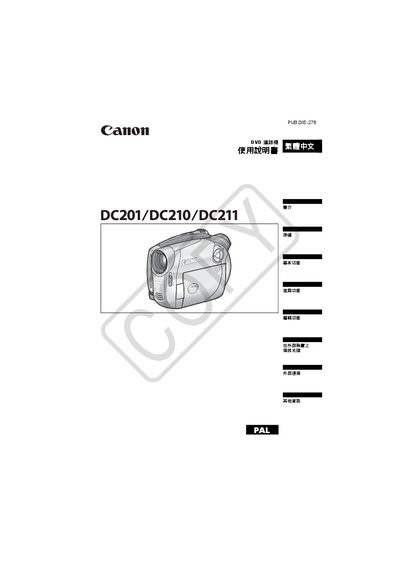
Canon DC201/DC210/DC211 DVD Videography Machine User Manual
This manual begins with important safety warnings, including keeping the device away from rain, using only the CA-570 power supply, and disconnecting the power cord when not in use. It also explains the classification of the product as a Class 1 laser device.
The guide then covers DVD media selection, supported formats (DVD‑R, DVD‑R DL, DVD‑RW), operation modes (VIDEO and VR), basic and advanced functions, recording programs, external connections, accessories, and a detailed troubleshooting section. This manual is written in Japanese.
Canon DC201 specifications
| Supported DVD formats | DVD‑R, DVD‑R DL, DVD‑RW |
|---|---|
| Recording modes | VIDEO mode, VR mode |
| Power supply | CA‑570 small power supply (required) |
Source: Canon DC201/DC210/DC211 DVD Videography Machine User Manual
All Canon DC201 documents by type
Day-to-day operation, settings and troubleshooting. Start here if the product is already set up.
Questions answered in these manuals
What DVD media types can be used with the Canon DC201/210/211?
The machine supports DVD‑R, DVD‑R DL, and DVD‑RW discs.
From: Canon DC201/DC210/DC211 DVD Videography Machine User Manual
How do I initialize a DVD‑RW disc for reuse?
Select the initialization function, which clears all recorded data on the DVD‑RW disc, allowing it to be recorded again.
From: Canon DC201/DC210/DC211 DVD Videography Machine User Manual