
Key facts
- Brand
- Canon
- Model
- FS10
- Category
- Digital cameras
- Industry
- Electronics
- Documents
- 4
- Languages
- EN · ZH
- Last added
- 2012-05-02
Start here
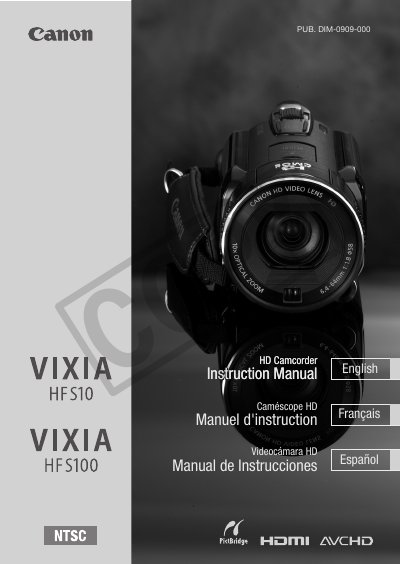
Canon VIXIA HF S10 / HF S100 Camcorder User Manual
This manual covers important safety warnings, proper use of accessories, and power requirements for the VIXIA HF S10 and HF S100 HD camcorders. It explains how to handle the battery pack, power adapter, and antenna grounding, and includes cautions to prevent electric shock, fire, or damage.
The guide also details the camcorder's high‑definition video capabilities, registration instructions, and the limited warranty terms for parts and labor. Contact information for Canon service centers in the U.S., Canada, and other regions is provided.
Canon FS10 specifications
| Video resolution | 1920 × 1080 pixels |
|---|---|
| Image sensor | Full HD CMOS |
| Power adapter input voltage | 100‑240 V AC |
All Canon FS10 documents by type
Day-to-day operation, settings and troubleshooting. Start here if the product is already set up.
Questions answered in these manuals
What is the video resolution of the camcorder?
The camcorder records video at 1920 × 1080 pixels when set to MXP or FXP mode.
What voltage range does the power adapter accept?
The supplied power adapter works with an input voltage between 100 V and 240 V AC.
How do I mount the EF‑S10‑22mm lens on my camera?
Remove the rear cap, align the lens mount with the camera mount, and turn the lens clockwise until it clicks. After removal, store the lens with the rear facing up.
What focus modes are available for this lens?
The lens supports ONE SHOT AF, continuous AF, and manual focus (MF) modes, selectable on the camera.
Which Canon camcorder models are covered by this manual?
The manual covers the FS10, FS11, and FS100 models.
How do I activate the quick start function?
Press and hold the power button for more than 2 seconds; the LCD backlight will turn on, allowing the camcorder to start recording quickly.