
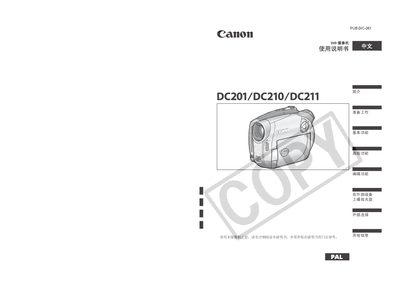
Canon DC201/DC210/DC211 Digital Camcorder User Manual


Canon DC201/DC210/DC211 Digital Camcorder User Manual - cover page
Brand
Canon
Category
Other
Document type
User Manual
Language
Chinese
Pages
76
File format
PDF
Published
17 December, 2011
Updated
29 September, 2023
MD5 checksum
4B26488E13E3046D313EA32D8CE3389D

About this manual

This manual is for the Canon DC201/DC210/DC211 digital camcorders and explains DVD disc types, recording, playback, menu settings, editing, and external connections.

It also includes troubleshooting, system overview, optional accessories, and specifications. This manual is written in Chinese.

What's inside

  • How to Choose a DVD Disc
  • Getting Started
  • Basic Functions
  • Advanced Functions
  • Editing Functions
  • External Connections
  • Troubleshooting
  • System Overview
  • Optional Accessories
  • Specifications

Specifications

Supported disc types8 cm DVD-R, DVD-R DL, DVD-RW
DVD-RW recording modesVIDEO mode or VR mode
Recommended discsHitachi-Maxell HG series single-layer; Canon DVD-R DL54 and Verbatim DVD-R DL dual-layer

Frequently asked questions

Which DVD discs can be used with this camcorder?

The camcorder uses 8 cm DVD-R, DVD-R DL, and DVD-RW discs.

Can records on DVD-RW discs be edited?

Records on DVD-RW discs can be edited or deleted.

What does disc finalization do?

It processes unused space so the disc can be played on external DVD devices.

Download PDF

More Canon Manuals


View all Canon manuals →