
Key facts
Start here
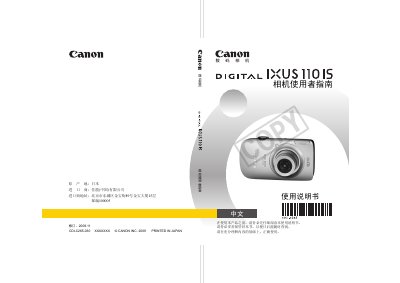
Canon IXUS 110 IS Digital Camera User Manual
This manual explains how to set up and operate the Canon IXUS 110 IS digital camera, covering basic functions such as power on/off, battery installation, storage‑card handling, and menu navigation. Safety precautions, battery handling, and environmental limits are detailed to help avoid injury and equipment damage.
Advanced shooting features, video recording, playback options, and customization settings are described, along with troubleshooting tips and a full specification table that lists image resolution, video formats, battery details, dimensions, and weight. This manual is written in Chinese.
Canon IXUS 110 IS specifications
| Maximum image resolution | 4000×3000 pixels |
|---|---|
| Video resolution (HD) | 1280×720 pixels at 30 fps |
| Charging time | ≈1 hour 30 minutes |
| Dimensions (without protrusions) | 97.9 × 54.1 × 22.1 mm |
| Weight (body only) | ≈145 g |
All Canon IXUS 110 IS documents by type
Day-to-day operation, settings and troubleshooting. Start here if the product is already set up.
Questions answered in these manuals
How many photos can be stored on a full memory card?
Approximately 200 photos can be stored, based on CIPA test standards.
What are the recommended operating temperature limits for the camera?
The camera is designed to operate between 0 °C and 40 °C.
What type of battery does the camera use?
It uses a rechargeable lithium‑ion battery model NB‑4L.
How long does it take to fully charge the battery?
Charging takes about 1 hour and 30 minutes.