
Key facts
Start here
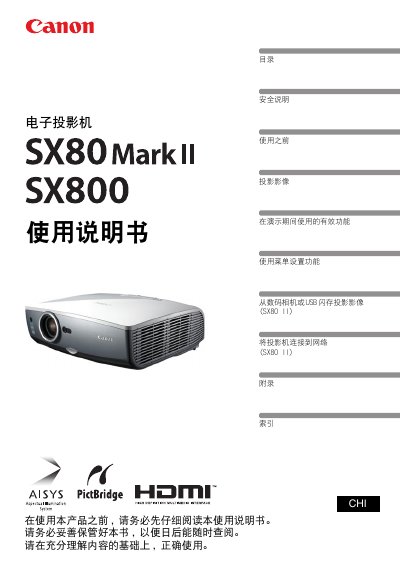
Canon SX80 MarkII / SX800 Multimedia Projector User Manual
This manual covers all aspects of using the Canon SX80 MarkII / SX800 projector, from safety precautions and quick‑start procedures to detailed menu settings and image adjustments. It explains how to connect the projector to computers, AV devices, digital cameras, and USB flash drives, and describes the built‑in HDMI input and wireless remote control functions.
Additional sections guide users through lamp maintenance, power‑saving modes, network configuration, and troubleshooting common issues. The document also includes a quick reference guide for fast access to frequently used functions and a comprehensive list of specifications. This manual is written in Chinese.
Canon SX80 specifications
| Native Resolution | 1400 by 1050 dots |
|---|---|
| Zoom Lens | 1.5X |
| Image Projection Size | 100-inch |
All Canon SX80 documents by type
Day-to-day operation, settings and troubleshooting. Start here if the product is already set up.
Questions answered in these manuals
What is the native resolution of the Canon SX80 projector?
The native resolution is SXGA+, which is 1400 by 1050 dots.
Can the projector project images from a digital camera?
Yes, it is capable of directly projecting images taken by PictBridge enabled digital cameras.
How do I connect the projector to a computer?
Connect the projector to the computer using the HDMI input port or other video input terminals as described in the manual.
From: Canon SX80 MarkII / SX800 Multimedia Projector User Manual