
Key facts
- Brand
- Canon
- Model
- EF200mm f
- Category
- Other Electronics
- Documents
- 2
- Languages
- ZH · EN
- Last added
- 2012-03-20
Start here
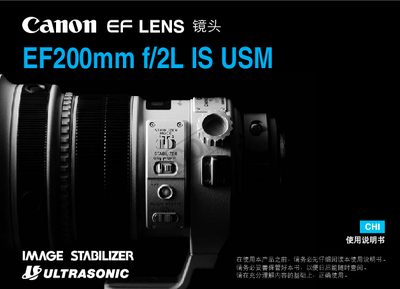
Canon EF200mm f/2L IS USM Lens User Manual
This manual explains how to safely handle, install, and operate the Canon EF200mm f/2L IS USM telephoto lens. It includes safety precautions, component identification, and detailed installation and removal procedures.
The guide also covers focusing modes, the AF stop button, depth‑of‑field scale, and a full specification table with focal length, minimum focusing distance, weight, and magnification details. This manual is written in Chinese.
Canon EF200mm f specifications
| Focal length | 200 mm |
|---|---|
| Minimum focusing distance | 1.32 m |
| Weight | 2520 g |
| Maximum magnification | 0.12× |
| Diagonal angle of view | 12° |
| Maximum focusing distance | 19 m |
All Canon EF200mm f documents by type
Day-to-day operation, settings and troubleshooting. Start here if the product is already set up.
Questions answered in these manuals
How do I install and remove the lens?
Follow the steps in the installation section; place the rear of the lens upward when removing to avoid damage.
What is the minimum focusing distance of the lens?
The minimum focusing distance is 1.32 meters.
What safety precautions should be taken when using these lenses?
Avoid pointing the lens at bright light sources, keep it away from high temperatures, and handle contacts carefully to prevent damage.
From: Canon EF135mm f/2L USM, EF200mm f/2.8L II USM, EF300mm f/4L USM, EF400mm f/5.6L USM User Manual
What are the available autofocus modes?
The lenses support One‑Shot AF, AI Servo (continuous) AF, and Manual Focus (MF) modes.
From: Canon EF135mm f/2L USM, EF200mm f/2.8L II USM, EF300mm f/4L USM, EF400mm f/5.6L USM User Manual