
Key facts
- Brand
- Canon
- Model
- A570
- Category
- Digital cameras
- Industry
- Electronics
- Documents
- 3
- Languages
- EN · ZH · JA
- Last added
- 2012-05-02
Start here
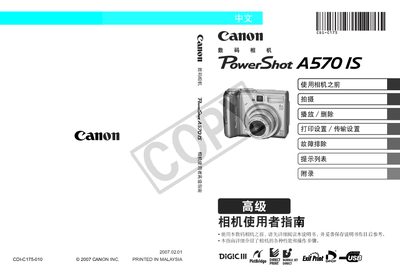
Canon PowerShot A570 IS User Manual
This manual explains how to prepare and operate the PowerShot A570 IS camera, covering basic functions such as shooting modes, playback, printing, and sharing images. It also details the supported memory cards (SD, SDHC, iLi Media Card) and how to use optional accessories.
Safety precautions, maintenance tips, and troubleshooting steps are included to help avoid damage and resolve common issues. The guide also describes how to adjust settings like ISO, white balance, and date/time, and provides instructions for printing directly from the camera using compatible Canon printers. This manual is written in Japanese.
All Canon A570 documents by type
Day-to-day operation, settings and troubleshooting. Start here if the product is already set up.
Questions answered in these manuals
How do I install the batteries?
Slide the battery cover lock, open the cover, and insert two AA-size alkaline or NiMH batteries, then close the cover.
How do I download images to a computer?
Install the supplied software, connect the camera via USB, and use the software to transfer images.
What types of memory cards can be used with the PowerShot A570 IS?
The camera supports SD, SDHC, and MultiMediaCard formats.
How should the battery be installed?
Insert the NiMH battery into the battery compartment, ensuring correct orientation before closing the cover.
What memory cards are supported by the PowerShot A570 IS?
The camera supports SD, SDHC, and iLi Media Card formats.