
Key facts
- Brand
- Canon
- Model
- HV30
- Industry
- Electronics
- Documents
- 2
- Languages
- EN · ZH
- Last added
- 2012-05-02
Start here
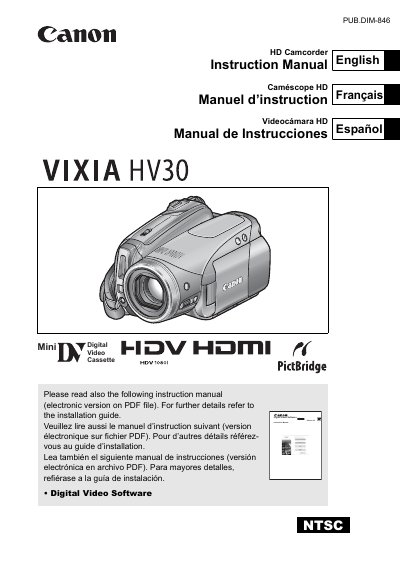
Canon VIXIA HV30 Camcorder Instruction Manual
This manual covers safety warnings, proper handling, and preparation steps for the Canon VIXIA HV30 camcorder. It explains how to set up power, insert tapes or memory cards, and configure basic settings such as date, time, and language.
Detailed sections describe recording and playback functions, advanced menu options, external connections, and maintenance procedures. The document also includes a warranty statement and specifications of the camcorder’s video, audio, and imaging capabilities.
Canon HV30 specifications
| Video System | HDV 1080i1 |
|---|---|
| Audio Recording System | MPEG-1 Audio Layer 2, 16 bit, 48 kHz, 384 kbps |
| Image Sensor | 1/2.7‑inch CMOS, approx. 2,960,000 pixels |
| LCD Screen | 2.7 in., wide, TFT color, approx. 211,000 pixels |
| Lens | f=6.1‑61 mm, F/1.8‑3.0, 10× power zoom |
All Canon HV30 documents by type
Day-to-day operation, settings and troubleshooting. Start here if the product is already set up.
Questions answered in these manuals
How do I set the date and time on the VIXIA HV30?
Press the MENU button, select the DATE/TIME SETUP icon, then choose DATE/TIME and adjust each field using the joystick arrows before confirming with the joystick press.
What safety warnings are provided for the camcorder?
The manual warns not to expose the camcorder to rain or moisture, to use only recommended accessories, and to avoid opening the unit because of dangerous voltage inside.
What should I do to power off the camcorder when not in use?
Unplug the main power plug from the wall outlet; the plug acts as a power‑off switch.