
Key facts
Start here
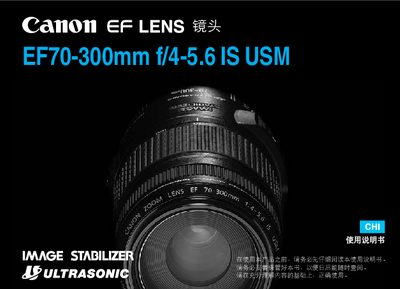
Canon EF70-300mm f/4-5.6 IS USM User Manual
This manual covers safety precautions, proper handling, and installation of the EF70-300mm f/4-5.6 IS USM lens. It explains how to mount and dismount the lens without damaging contacts, and describes the functions of the Image Stabilizer (IS) and Ultrasonic Motor (USM).\n\nOperating instructions include focusing modes, zoom operation, and how to enable or disable the IS system. Technical specifications such as focal length range, maximum aperture, filter size, weight, and dimensions are listed for reference. This manual is written in Chinese.
Read onlineCanon 4-5.6 IS specifications
| Focal length | 55-250 mm |
|---|---|
| Maximum aperture | f/4-5.6 |
| Maximum magnification | 0.31× |
| Dimensions | 70 x 108 mm |
All Canon 4-5.6 IS documents by type
Day-to-day operation, settings and troubleshooting. Start here if the product is already set up.
Questions answered in these manuals
What does the "IS" designation on the lens mean?
"IS" indicates that the lens includes an Image Stabilizer.
How should the lens be stored when moving from a cold to a warm environment?
Place the lens in a sealed bag before moving it to a warmer area.
What does USM stand for?
USM indicates an Ultrasonic Motor for fast, silent focusing.
What does "IS" stand for on this lens?
"IS" indicates the Image Stabilizer function.
What does "USM" mean on this lens?
"USM" stands for Ultrasonic Motor, providing fast and silent autofocus.