
Key facts
Start here
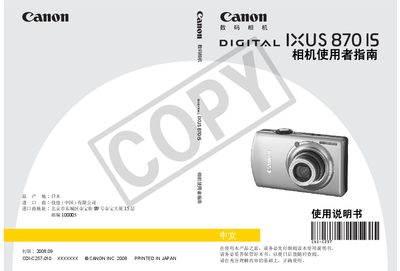
CANONdigital cameraIXUS870IS User Manual
This manual explains how to set up and operate the Canon IXUS870 IS digital camera, covering basic functions, advanced shooting modes, playback, and image transfer. It also includes safety information, warranty details, and a comprehensive specifications section.
The guide walks users through battery charging, memory card handling, menu navigation, and troubleshooting, helping both beginners and experienced photographers get the most out of the camera. This manual is written in Chinese.
Canon IXUS 870 IS specifications
| Recording media | SD, SDHC, MMC, MMCplus |
|---|---|
| Maximum image resolution | 3648 x 2736 pixels |
| Video resolution | 640 x 480 pixels at 30 fps |
| Battery type | Rechargeable Li‑ion (NB-5L) |
| Battery voltage | 3.7 V DC |
| Battery capacity | 1120 mAh |
All Canon IXUS 870 IS documents by type
Day-to-day operation, settings and troubleshooting. Start here if the product is already set up.
Questions answered in these manuals
How many images can the LCD screen display?
The LCD screen can display about 310 images.
What input voltage does the battery charger accept?
The charger accepts an input of 100‑240 V AC.
How do I set the date and time on the camera?
Use the menu to select the date and time setting option and enter the desired values.