
Key facts
- Brand
- Canon
- Model
- SD400
- Category
- Digital cameras
- Industry
- Electronics
- Documents
- 2
- Languages
- EN · ZH
- Last added
- 2012-05-02
Start here
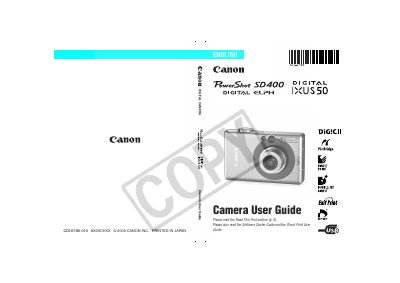
Canon PowerShot SD400 Camera User Guide
This guide explains how to set up and operate the PowerShot SD400, covering safety precautions, battery charging, menu navigation, and recommended use of genuine Canon accessories. It also includes information on connecting the camera to a computer, printing, and using optional accessories such as an AC adapter or external flash.
The manual details the various shooting modes, LCD monitor functions, video formats, and technical specifications such as resolution, frame rates, and ISO settings. A reference chart at the end lists function settings for each mode, and a warranty notice outlines the limits of Canon’s liability.
Canon SD400 specifications
| Maximum still image resolution | 40×480 pixels |
|---|---|
| Alternative still image resolutions | 20×240, 160×120 pixels |
| LCD pixel conformity | 99.99% of pixels meet specifications |
All Canon SD400 documents by type
Day-to-day operation, settings and troubleshooting. Start here if the product is already set up.
Questions answered in these manuals
How do I charge the date/time battery?
When the main battery is inserted, the internal lithium battery charges automatically; after first use, install the charged battery for at least four hours to charge the date/time battery.
What if the LCD screen shows dead pixels?
A small number of pixels (less than 0.01%) may appear as red or black dots, but this does not affect image recording and is not considered a fault.