
Key facts
- Brand
- Canon
- Model
- 30D
- Category
- Other Electronics
- Documents
- 6
- Languages
- EN · JA · ZH
- Last added
- 2012-03-20
Start here
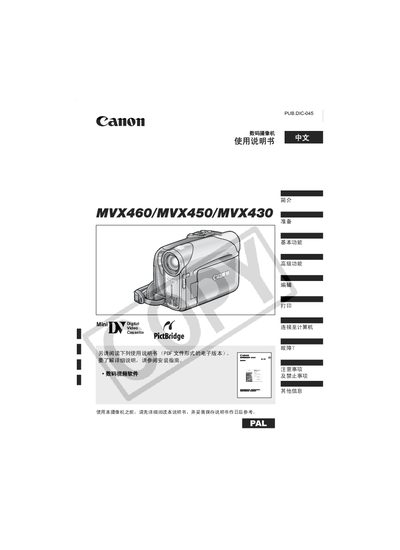
Canon MVX460/MVX450/MVX430 Digital Video Camera Manual
This manual introduces the Canon MVX460, MVX450, and MVX430 digital video cameras, covering safety precautions, warnings, and basic handling guidelines. It explains how to avoid fire, moisture, and other hazards before using the camera.
The document details the camera's operation modes, supported storage media, connection interfaces, battery handling, and printing functions. Step‑by‑step instructions guide users through installation, menu navigation, and troubleshooting. This manual is written in Japanese.
Canon 30D specifications
| Image size (Large JPG) | 3504 x 2336 pixels |
|---|---|
| ISO range | 100‑1600 |
| Focus mode default | AF (Auto Focus) |
| White balance default | AUTO |
Source: Canon 30D User's Guide
All Canon 30D documents by type
Day-to-day operation, settings and troubleshooting. Start here if the product is already set up.
- Canon DC50/DC51/DC220/DC230 DVD Camcorder User Manual 115 p
- Canon MVX460/MVX450/MVX430 Digital Video Camera Manual 124 p
- Canon 30D User's Guide 35 p
- Canon MD160/MD150/MD140/MD130 Digital Video Camcorder User Manual 86 p
- Canon DC330 Digital Camcorder User Manual 89 p
- Canon DC50/DC51/DC220/DC230 DVD Camcorder User Manual 118 p
Questions answered in these manuals
How do I initialize a DVD‑RW disc?
Insert a new DVD‑RW disc and the camcorder will automatically display an initialization screen; initializing clears all records on the disc.
How can I protect a disc from accidental deletion?
Use the disc protection function to protect the entire disc; even when protected, initializing the disc will still permanently delete all records.
What safety precautions should be taken when using the camera?
Avoid exposure to fire, moisture, and other hazards; do not operate the camera in wet or humid environments.
From: Canon MVX460/MVX450/MVX430 Digital Video Camera Manual
Which storage media are compatible with the camera?
The camera supports SD cards and MultiMediaCard (MMC) as storage media.
From: Canon MVX460/MVX450/MVX430 Digital Video Camera Manual
How do I wake the Canon 30D from sleep?
Tap the shutter button to wake the camera.
From: Canon 30D User's Guide
How should I format the memory card?
Use the format function, which erases the card and starts it fresh.
From: Canon 30D User's Guide