
Quick installation guide for the Brother QL-800 label printer, covering unpacking, DK label tape installation, power, printing, specifications, and…
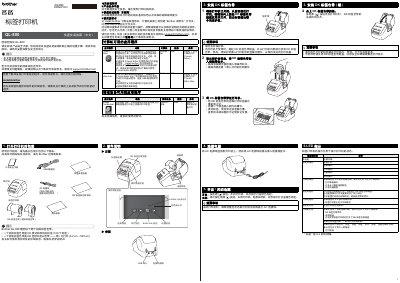
This quick installation guide is for the Brother QL-800 label printer. It describes the package contents, printer parts, installation of the initial DK label tapes, power connection, power on/off operation, and LED indicator meanings.
It also explains printing from a computer with P-touch Editor or P-touch Editor Lite, printing from a mobile device with Brother iPrint&Label, product specifications, and troubleshooting steps. This manual is written in Chinese.
| Dimensions (W x H x D) | Approx. 125 mm x 142 mm x 213 mm |
|---|---|
| Weight | Approx. 1.15 kg (without DK label tape) |
| Operating temperature | 10°C to 35°C |
| Operating humidity | 20% to 80% (maximum wet-bulb temperature 27°C) |
The dimensions are approximately 125 mm x 142 mm x 213 mm.
The operating temperature range is 10°C to 35°C.
Brother iPrint&Label is used for printing from a mobile device.