
This document is the user manual of Brother QL-800 printer, which introduces the printer's usage methods, safety precautions, etc.
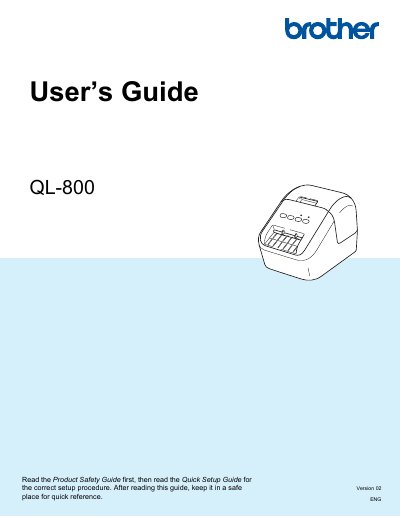
This manual provides step-by-step instructions for setting up, operating, and maintaining the Brother QL-800 label printer. It covers connecting the printer to a computer or mobile device, using P-touch Editor software, adjusting printer settings, and performing routine maintenance. The guide also includes troubleshooting tips and product specifications.
Safety precautions and compatibility information are included, such as using only genuine Brother supplies, avoiding outdoor use of thermal labels, and proper handling of CD/DVD labels to prevent damage.
| Dimensions | 125.3 (W) x 213 (D) x 142 (H) mm |
|---|---|
| Print Resolution | Standard: 300 dpi x 300 dpi, High resolution mode: 300 dpi x 600 dpi |
| Printing Speed | Black print only: Max. 148mm/sec, 2 colour: Max 24 mm/sec |
| Maximum Printing Width | 58 mm |
| Interface | USB port Version 2.0 Full Speed (Peripheral) |
| Power Supply | 220-240 VAC 50/60 Hz 1.1A |
| Operating Temperature | 10°C to 35°C |
| LED Indicators | Editor Lite LED (green), Status LED (green, orange, red) |
The maximum printing width is 58 mm.
The printer operates between 10°C and 35°C.
It uses a USB port Version 2.0 Full Speed (Peripheral).
Clean the surface before applying the label and avoid applying it to wet, dirty, or oily surfaces.