
Key facts
- Brand
- Brother
- Model
- PT-1290
- Category
- Printer
- Industry
- Electronics
- Documents
- 2
- Languages
- EN
- Last added
- 2026-11-26
Start here
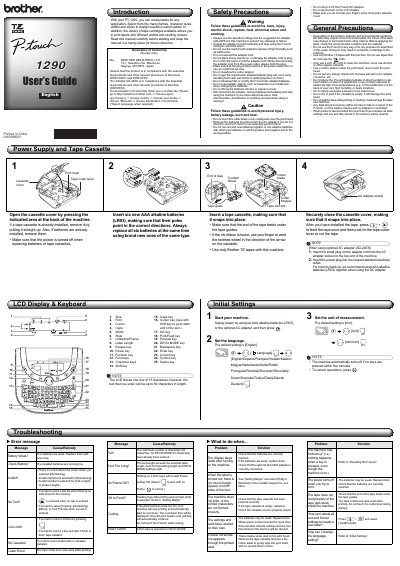
Brother PT-1290 Label Printer User's Guide
User Manual 2 pages · 3.5 MB · EN
This user's guide explains how to use the Brother PT-1290 label printer to create custom labels for various applications. It covers safety precautions, installing batteries and tape cassettes, using the LCD display and keyboard, and setting initial options such as language and unit of measurement.
The guide also includes troubleshooting information for error messages and common problems, such as blank displays, printing issues, and tape feeding problems.
Brother PT-1290 specifications
| LCD display characters | one row of 15 characters |
|---|---|
| Maximum text length | 80 characters |
| DECO MODE maximum characters | 50 characters |
| Auto power off | five minutes |
| Memory clear time | three minutes |
| Recommended batteries | six AAA alkaline batteries (LR03) |
| AC adapter | AD-24ES |
All Brother PT-1290 documents by type
User Manual 2
Day-to-day operation, settings and troubleshooting. Start here if the product is already set up.
Questions answered in these manuals
How do I delete all text and format settings to create a new label?
Press Shift and Caps and select Text&Format.
How can I change the language setting?
Refer to Initial Settings.
What should I do if the display shows 'Battery Weak!'?
Replace the batteries with new ones.
Why did my text settings and files clear?
The power was disconnected for more than three minutes.