
Brother PT-1290 label printer user's guide covering setup, safety precautions, tape cassette installation, keyboard functions, initial settings, and…
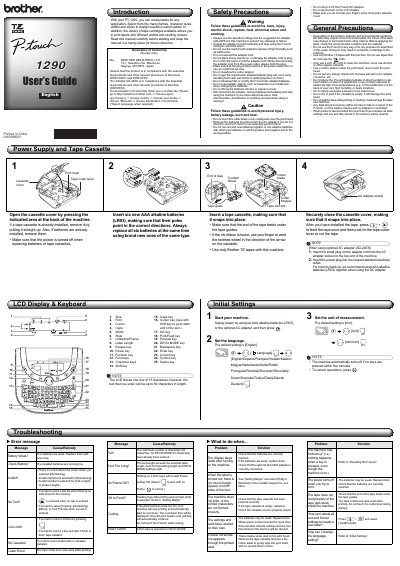
This user's guide explains how to use the Brother PT-1290 label printer to create custom labels for various applications. It covers safety precautions, installing batteries and tape cassettes, using the LCD display and keyboard, and setting initial options such as language and unit of measurement.
The guide also includes troubleshooting information for error messages and common problems, such as blank displays, printing issues, and tape feeding problems.
| LCD display characters | one row of 15 characters |
|---|---|
| Maximum text length | 80 characters |
| DECO MODE maximum characters | 50 characters |
| Auto power off | five minutes |
| Memory clear time | three minutes |
| Recommended batteries | six AAA alkaline batteries (LR03) |
| AC adapter | AD-24ES |
Press Shift and Caps and select Text&Format.
Refer to Initial Settings.
Check that the batteries are correctly inserted, replace weak batteries, or check that the optional AD-24ES adapter is correctly connected.
Use only Brother TZ tapes with this machine.