
This document describes the features and characteristics of the PT-1290 printer, which allows users to create labels for various applications with different styles and colors.
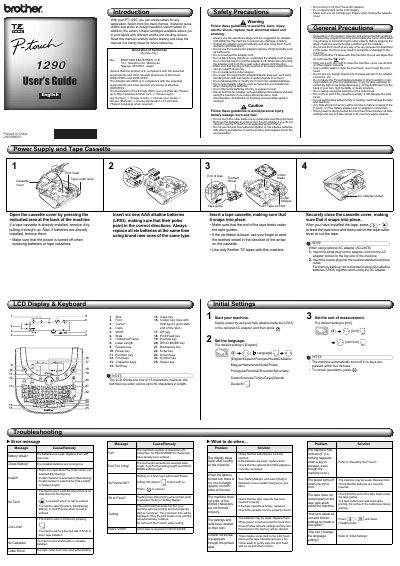
This manual serves as the official user's guide for the Brother PT-1290 label maker. It details the safety precautions, initial setup procedures including battery installation and tape cassette loading, and the various functions available for creating custom labels. The device supports multiple languages and units of measurement, allowing users to design labels with different frames, character sizes, and styles using compatible Brother TZ tapes.
| Character Limit | 80 characters |
|---|---|
| Battery Type | six AAA alkaline batteries (LR03) |
| Memory Clear Time | more than three minutes |
| Auto Shut-off Time | five minutes |
| Supported Languages | English, Spanish, French, Croatian, Italian, Hungarian, Dutch, Norwegian, Polish, Portuguese, Romanian, Slovak, Slovenian, Finnish, Swedish, Turkish, Czech, Danish, German |
Replace the batteries with new ones.
The power was disconnected for more than three minutes.
Press the + key and select [Text&Format].
The machine will stop printing and automatically start to cool down.