
Key facts
- Brand
- Brother
- Model
- DCP-560CN
- Documents
- 4
- Languages
- EN · ZH
- Last added
- 2011-11-25
Start here
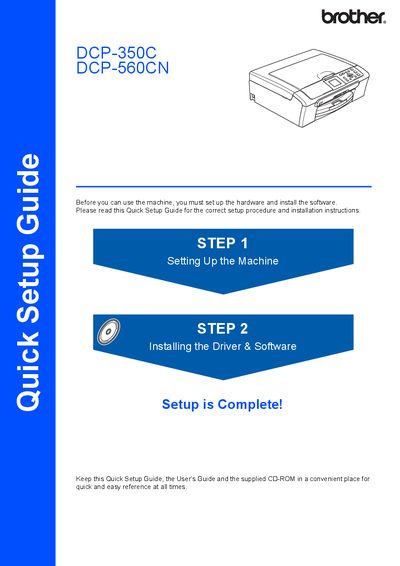
Brother DCP-350C / DCP-560CN Quick Setup Guide
The Quick Setup Guide provides step‑by‑step instructions for preparing the Brother DCP‑350C and DCP‑560CN multifunction printers for first use. It covers unpacking, loading paper, connecting power, installing ink cartridges, and performing the initial print‑quality check.
The guide also details driver and software installation for Windows, Macintosh, and network (DCP‑560CN only) environments, as well as optional utilities such as BRAdmin Light and FaceFilter Studio Help. Consumable information and trademark notices are included at the end.
Brother DCP-560CN specifications
| Paper capacity | Up to 100 sheets of 20 lb (80 g/m²) paper |
|---|---|
| USB cable length | Maximum 6 ft (2 m) |
| USB data rate | 12 Mbits/s (Full‑Speed USB 2.0) |
| Network cable type | Category 5 (or greater) twisted‑pair for 10BASE‑T/100BASE‑TX |
| Ink cartridge colors | Black, Yellow, Cyan, Magenta |
All Brother DCP-560CN documents by type
Day-to-day operation, settings and troubleshooting. Start here if the product is already set up.
Disassembly, diagnostics and part numbers, for repair.
The shortest path to a working setup, usually only a few pages.
Questions answered in these manuals
How many sheets of paper can the printer hold?
The printer can hold up to 100 sheets of 20 lb (80 g/m²) paper.
What type of USB cable should be used?
Use a USB 2.0 cable no longer than 6 feet (2 meters).
How many pages can the auto document feeder handle?
The ADF can hold up to 10 pages and is available only on the DCP-560CN model.
What is the memory capacity of the printers?
Each printer has a memory capacity of 32 MB.