
This is a quick setup guide for HP DCP-350C DCP-560CN, which introduces the steps for setting up the device and installing the software.
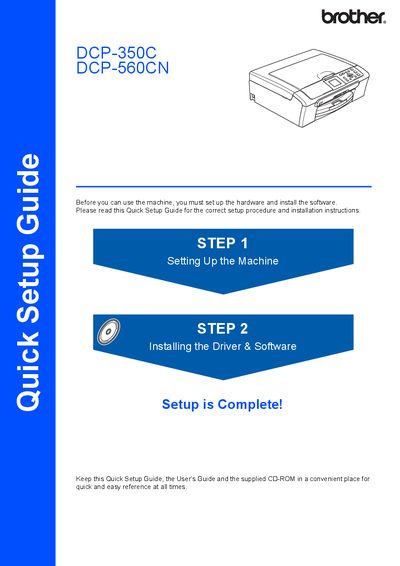
The Quick Setup Guide provides step‑by‑step instructions for preparing the Brother DCP‑350C and DCP‑560CN multifunction printers for first use. It covers unpacking, loading paper, connecting power, installing ink cartridges, and performing the initial print‑quality check.
The guide also details driver and software installation for Windows, Macintosh, and network (DCP‑560CN only) environments, as well as optional utilities such as BRAdmin Light and FaceFilter Studio Help. Consumable information and trademark notices are included at the end.
| Paper capacity | Up to 100 sheets of 20 lb (80 g/m²) paper |
|---|---|
| USB cable length | Maximum 6 ft (2 m) |
| USB data rate | 12 Mbits/s (Full‑Speed USB 2.0) |
| Network cable type | Category 5 (or greater) twisted‑pair for 10BASE‑T/100BASE‑TX |
| Ink cartridge colors | Black, Yellow, Cyan, Magenta |
The printer can hold up to 100 sheets of 20 lb (80 g/m²) paper.
Use a USB 2.0 cable no longer than 6 feet (2 meters).
Yes, the DCP‑560CN can be connected using a Category 5 (or greater) twisted‑pair cable for 10BASE‑T or 100BASE‑TX Ethernet.
The printer runs an initial cleaning cycle that takes about four minutes and then prints a quality‑check sheet.