
Brother Laser Printer HL-1270N is a network built-in model laser printer. This user's guide describes the features of the printer, optional accessories and supplies, and how to use and maintain the printer.
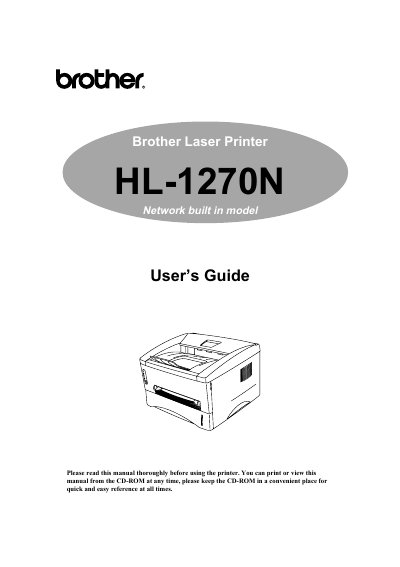
This manual covers the Brother HL-1270N laser printer, describing its features, required accessories, and how to install and configure the device for network or USB operation.
It includes chapters on printer options, maintenance procedures such as toner and drum replacement, troubleshooting tips, LED indicator meanings, and full technical specifications for interfaces, fonts, and emulation modes.
| Parallel Interface | Supported |
|---|---|
| USB Interface | Supported |
| Network Interface | Supported |
| Emulation Modes | HP LaserJet 6P, EPSON, IBM |
| Resident Font | Available |
| Bitmapped Fonts | Supported |
| Scalable Fonts | Supported |
| Symbol Sets / Character Sets | Supported |
Refer to Chapter 3 of the manual; it explains how to replace the toner cartridge.
Remove the drum unit and toner cartridge, place the drum unit in a plastic bag, unplug the power cord, and repack the printer using the original packaging.
The manual describes the meanings of Ready (Paper), Data (Toner), Drum, and Alarm LED indications in Chapter 1.