
Key facts
Start here
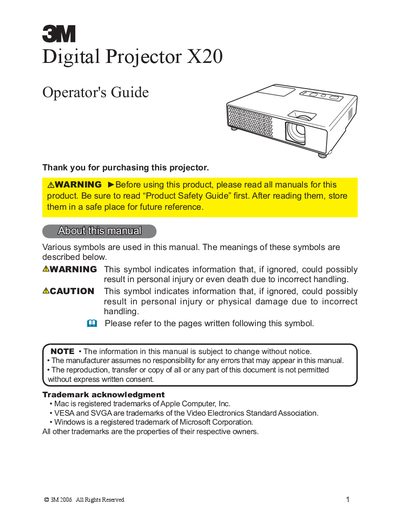
3M Digital Projector X20 Operator's Guide
The 3M Digital Projector X20 is designed for mobile users and presentations, capable of projecting various picture signals including JPEG, MPEG, and Motion-JPEG from USB storage media without a PC. The manual covers initial setup, connecting devices, and using the projector's remote control and control panel.
Read online3M X20 specifications
| Connector size | .100" x .100" and .100" x .200" |
|---|---|
| Locator Plate part number | 3443-94 |
| Self‑adjusting percentage | 12% |
All 3M X20 documents by type
Day-to-day operation, settings and troubleshooting. Start here if the product is already set up.
Questions answered in these manuals
What types of picture files can be displayed from USB storage without a PC?
The projector displays JPEG, MPEG, and Motion-JPEG pictures directly from USB storage media.
How much space must be kept between the sides of the projector and other objects?
You must keep a space of 30 cm or more between the sides of the projector and walls.
What is the native resolution of the projector?
The projector has a WXGA (1280x800) native resolution.
Does the projector support HDMI?
Yes, the HDMI port can support various image equipment which have digital interface.
What is the native resolution of the projector?
The projector has a WXGA (1280x800) native resolution.
Does the projector support HDMI?
Yes, the HDMI port supports various image equipment with a digital interface.