
Key facts
- Brand
- 3M
- Model
- S20
- Industry
- Electronics
- Documents
- 2
- Languages
- EN
- Last added
- 2012-07-06
Start here
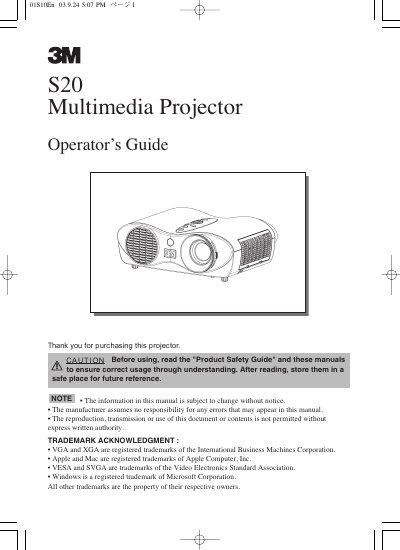
3M S20 Multimedia Projector Operator's Guide
User Manual 46 pages · 1.6 MB · EN
The 3M S20 multimedia projector is designed to project computer and NTSC/PAL/SECAM video signals onto a screen with ultra-high brightness. Key features include a whisper mode for quiet operation, user memory for saving settings, partial magnification, and keystone distortion correction. The device supports various input signals including RGB, Video, S-Video, and Component Video.
Read online3M S20 specifications
| Brightness | Ultra High Brightness (UHB) |
|---|---|
| Noise Reduction | Whisper Mode |
| User Memory | 4 settings |
| Magnification | Partial Magnification |
| Keystone Correction | Electric |
| Lamp Power | 160W |
| Elevator Adjustment Range | 0 to 9 degrees |
All 3M S20 documents by type
User Manual 1
Day-to-day operation, settings and troubleshooting. Start here if the product is already set up.
Questions answered in these manuals
What signals can the 3M S20 projector display?
It projects various computer signals as well as NTSC / PAL / SECAM video signals.
How many settings can be saved in user memory?
The projector can memorize 4 settings using the MY MEMORY function.
What is the address for the 3M Austin service center?
The Austin center is located at 6801 River Place Blvd., Austin, TX 78726-9000.