
3M Digital Projector X20 Operator's Guide

This document is the Operator's Guide for the Digital Projector X20, it describes the features and characteristics of the projector.
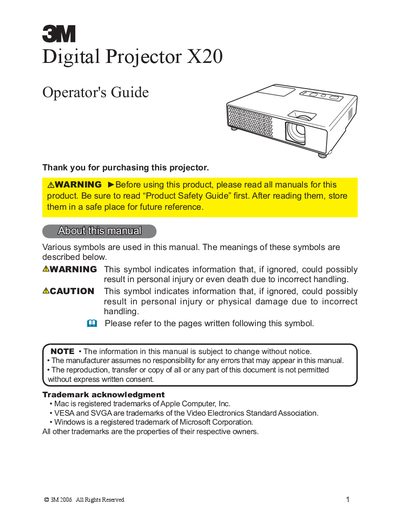

3M Digital Projector X20 Operator's Guide - cover page
Brand
3M
Category
Projector
Document type
User Manual
Language
English
Pages
73
File format
PDF
File size
1.9 MB
Published
06 July, 2012
Updated
29 September, 2023
Model
X20
MD5 checksum
6A635222612AD601FCC7AA4DB9BC9ABB

About this manual

The 3M Digital Projector X20 is designed for mobile users and presentations, capable of projecting various picture signals including JPEG, MPEG, and Motion-JPEG from USB storage media without a PC. The manual covers initial setup, connecting devices, and using the projector's remote control and control panel.

What's inside

  • Projector features
  • Contents of package
  • Part names
  • Setting up
  • Power on/off
  • Operating
  • Using the menu function
  • Maintenance
  • Troubleshooting
  • Specifications

Specifications

Resolution1024x768

Frequently asked questions

What types of picture files can be displayed from USB storage without a PC?

The projector displays JPEG, MPEG, and Motion-JPEG pictures directly from USB storage media.

How much space must be kept between the sides of the projector and other objects?

You must keep a space of 30 cm or more between the sides of the projector and walls.

Download PDF (1.9 MB)

More 3M Manuals


View all 3M manuals →