
Key facts
Start here
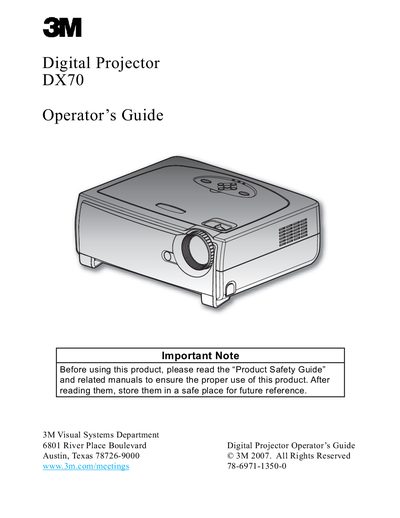
3M DX70 Digital Projector Operator's Guide
This document is the Operator's Guide for the 3M DX70 Digital Projector. It covers product features such as XGA resolution, DLP technology, and compatibility with various video standards. The guide details the package contents, including the main unit, remote control, and cables.
Read online3M DX70 specifications
| Resolution | 1024 x 768 addressable pixels |
|---|---|
| Technology | Texas Instruments Single chip DLP Technology |
| Speakers | Two built-in speakers with 2 Watt amplifier |
| Compatibility | NTSC/NTSC4.43/PAL/PAL-M/PAL-N/SECAM and HDTV compatible |
All 3M DX70 documents by type
Day-to-day operation, settings and troubleshooting. Start here if the product is already set up.
Questions answered in these manuals
What should I do if the lamp reaches the end of its life?
The projector will not turn back on until the lamp module has been replaced.
Can I look into the projector's lens when the lamp is on?
No, do not look into the projector's lens when the lamp is on as the bright light may hurt your eyes.
How do I replace the lamp?
Allow the projector to cool, then follow the steps in the “更换灯泡” (lamp replacement) section; the system will warn you when lamp life is exhausted.
What should I do if the projector causes radio interference?
Adjust the antenna direction, increase distance to receivers, or plug the projector and other equipment into separate power circuits.