
3M WX20 Digital Projector Operator's Guide

This is an operator's guide for the WX20 digital projector, which provides instructions and precautions for using the projector.
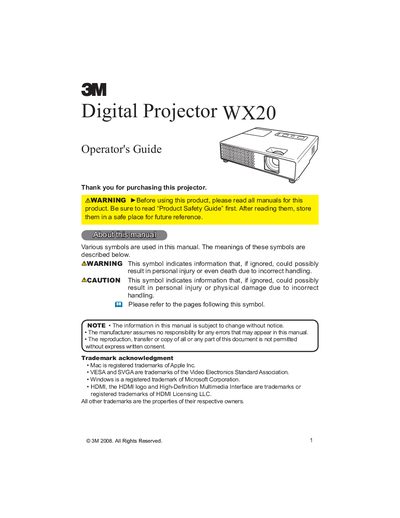

3M WX20 Digital Projector Operator's Guide - cover page
Brand
3M
Category
Projector
Document type
User Manual
Language
English
Pages
62
File format
PDF
File size
1.4 MB
Published
06 July, 2012
Updated
29 September, 2023
Models
WX20, X20
MD5 checksum
6E29478A7C1AD832C2AEDB91B6038E63

About this manual

The 3M WX20 Digital Projector is a compact and portable device designed to project various picture signals onto a screen with a native WXGA (1280x800) resolution. It features an HDMI port for digital interfaces and supports Widescreen PCs to realize original images on a screen. The manual covers safety precautions, package contents, and initial setup steps.

What's inside

  • Projector features
  • Contents of package
  • Part names
  • Setting up
  • Connecting your devices
  • Using the remote control
  • Power on/off
  • Operating the projector
  • Using the menu function
  • Maintenance

Specifications

Native ResolutionWXGA (1280x800)

Frequently asked questions

What is the native resolution of the projector?

The projector has a WXGA (1280x800) native resolution.

Does the projector support HDMI?

Yes, the HDMI port can support various image equipment which have digital interface.

Download PDF (1.4 MB)

More 3M Manuals


View all 3M manuals →