
Key facts
- Brand
- Philips
- Model
- 203V5
- Category
- Monitors
- Industry
- Electronics
- Documents
- 2
- Languages
- RU · ZH
- Last added
- 2026-11-12
Start here
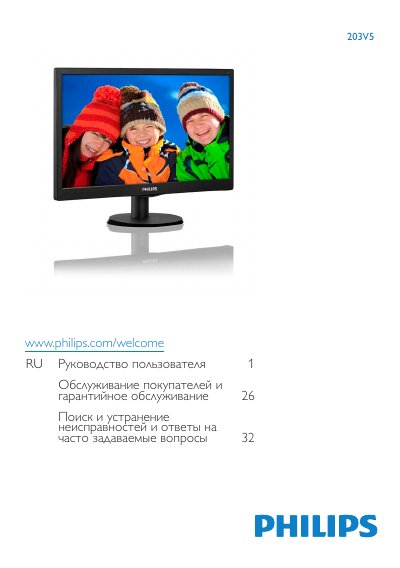
Philips 203V5 Monitor User Manual
This user manual is for the Philips 203V5 monitor. It covers important safety and maintenance information, monitor setup, image optimization, technical specifications, power management, compliance, customer care and warranty, and troubleshooting.
The manual states operating conditions of 0-40°C and 20-80% relative humidity, and includes precautions for cleaning, handling, storage, and avoiding image retention. This manual is written in Russian.
Philips 203V5 specifications
| Native resolution | 1600 x 900 @ 60 Hz |
|---|---|
| Operating temperature | 0-40˚C / 32-104˚F |
| Operating humidity | 20-80% RH |
| VESA mount interface | 100mm x 100mm |
| Video inputs | VGA, HDMI |
All Philips 203V5 documents by type
Day-to-day operation, settings and troubleshooting. Start here if the product is already set up.
Questions answered in these manuals
What environmental conditions are specified for use?
Use the monitor at 0-40°C and 20-80% relative humidity.
What are the recommended operating temperature and humidity ranges for the monitor?
The monitor should be used in a room with a temperature of 0-40°C (32-95°F) and a humidity of 20-80% relative humidity.
What is the native resolution of the Philips 203V5 monitor?
The monitor performs best at its native resolution of 1600 x 900 @ 60 Hz.
How long should I wait before reconnecting the power cord after unplugging the monitor?
You must wait 6 seconds before reconnecting the power cord or DC power cord for normal operation.