
User guide for Philips SHB9100 Bluetooth stereo headset covering setup, pairing, usage, safety, and troubleshooting.
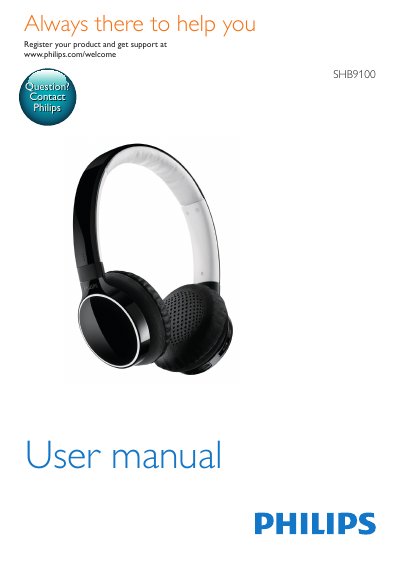
This manual provides step-by-step instructions for charging, pairing, and using the Philips SHB9100 Bluetooth stereo headset. It covers safety guidelines, compatibility with Bluetooth-enabled devices, and troubleshooting common issues like pairing failures or audio problems. The headset supports Bluetooth 2.1+EDR and works with devices using HSP, HFP, A2DP, and AVRCP profiles.
The manual also includes technical specifications, disposal instructions, and battery care tips to ensure proper use and longevity of the product.
| Bluetooth Version | 2.1+EDR |
|---|---|
| Profiles Supported | HSP, HFP, A2DP, AVRCP |
Check if the headset is charged and try turning it on again.
Ensure the headset is charged, turned off, and in pairing mode (LED flashes white and blue alternately).
Make sure Bluetooth is activated on the phone and the headset is in pairing mode.
Check for interference or ensure the headset is properly paired and the phone’s audio output is set correctly.