
Key facts
Start here
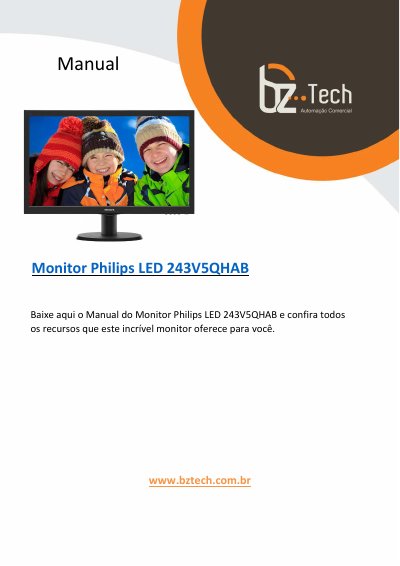
Philips 243V5QHAB Monitor User Manual
This Portuguese-language user manual is for the Philips LED monitor model 243V5QHAB. It explains safety and maintenance precautions, unpacking and base installation, connection to a PC, and use of the on-screen display menu.
The manual also covers image optimization features such as SmartContrast and Philips SmartControl Lite, technical specifications, power management, regulatory information, customer service and warranty terms, and troubleshooting with frequently asked questions. This manual is written in Portuguese.
All Philips 243V5 documents by type
Day-to-day operation, settings and troubleshooting. Start here if the product is already set up.
Questions answered in these manuals
What happens if I expose the monitor to direct sunlight or strong bright lights?
Lengthy exposure to this type of environment may result in discoloration and damage to the monitor.
How long must I wait after unplugging the monitor before plugging it back in?
You must wait for 6 seconds before attaching the power cable or DC power cord for normal operation.
How do I connect the monitor to a PC?
Connect the power cable to the monitor, turn off the computer, connect the monitor signal cable to the computer's video connector, connect both power cables to an outlet, then turn on the computer and monitor.
What is the on-screen display (OSD) menu?
The OSD is a feature included in Philips LCD monitors that lets the user adjust screen performance or select monitor functions directly through on-screen instructions.